
Download Find Favorites – Real-Time Search, HTML Export, System Tray
Overview
Find Favorites is a utility-focused mobile application designed to streamline the process of accessing saved web links. It addresses the common frustration of managing large collections of bookmarks across multiple browsers by offering a centralized, searchable interface. The app enables users to locate favorite websites instantly through real-time search functionality, eliminating the need to manually scroll through extensive bookmark folders. This makes it particularly useful for individuals who maintain a significant number of frequently visited sites.
Target users include professionals, students, and power users who rely on consistent access to specific online resources. The app’s ability to search by both title and URL ensures accuracy and speed, supporting efficient workflow integration. Although the developer did not provide additional background information, the application’s long-standing presence in the ecosystem—first released in 2013—suggests a stable, niche-focused tool built for reliability rather than rapid feature expansion.
Real-world use cases include quick access to research databases, internal company portals, or educational platforms. The app’s lightweight nature and system tray integration allow it to remain active without consuming noticeable system resources. In the broader mobile app landscape, Find Favorites fills a specific gap for users seeking a dedicated, no-frills solution for bookmark management, particularly those already invested in the Internet Explorer ecosystem.
Key Features & Functionality
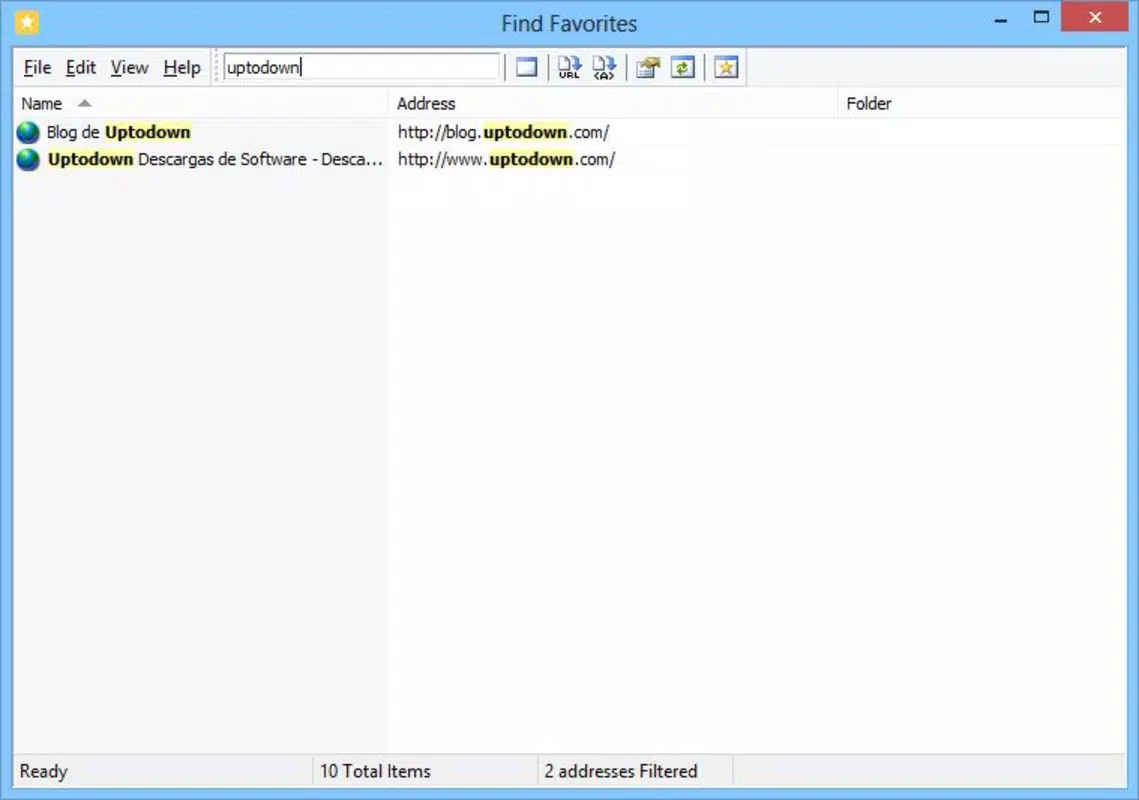
- Real-Time Search: As users type into the search bar, Find Favorites dynamically filters and displays matching bookmarks. This immediate feedback reduces navigation time significantly, especially when managing hundreds of saved links. The search can be triggered via a dedicated input field or by pressing the F6 key, offering flexibility for keyboard users.
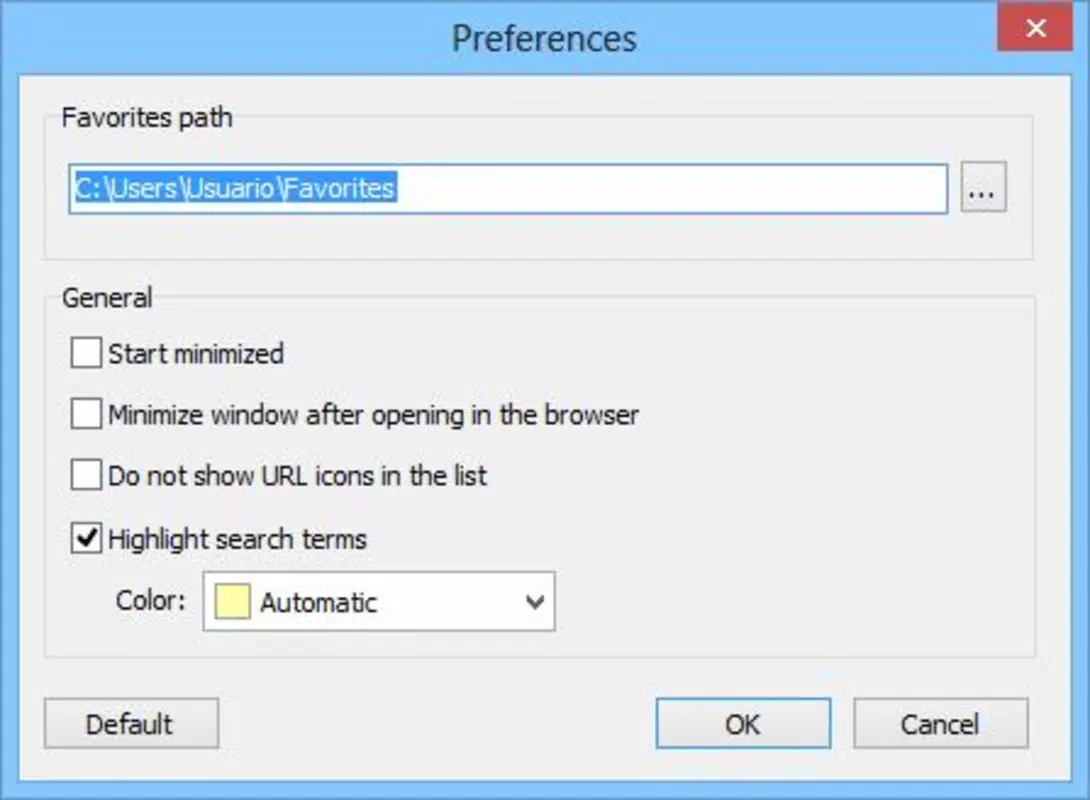
- Custom Highlighting: Users can personalize the color of search result highlights, enhancing visual recognition. This feature supports accessibility needs and improves usability for users who manage multiple projects or categories of bookmarks.
- HTML Exporting: The application allows users to export their entire favorites list in HTML format. This functionality facilitates seamless backup, transfer between devices, or import into other browsers, ensuring data portability and long-term preservation.
- System Tray Functionality: Find Favorites can minimize to the system tray and be configured to launch automatically at startup. This keeps the app running in the background without cluttering the desktop, enabling instant access with a single click or hotkey.
- Internet Explorer Integration: While primarily designed to manage Internet Explorer favorites, the app supports opening links in the user’s default browser. This hybrid approach maintains compatibility with legacy systems while allowing modern browsing behavior.
For example, a researcher can use real-time search to locate a specific academic paper within seconds, while a web developer might export their bookmark list to preserve a curated set of reference tools. The combination of instant access, customization, and export options makes it a practical tool for users prioritizing efficiency and data control.
Interface, UX & Performance
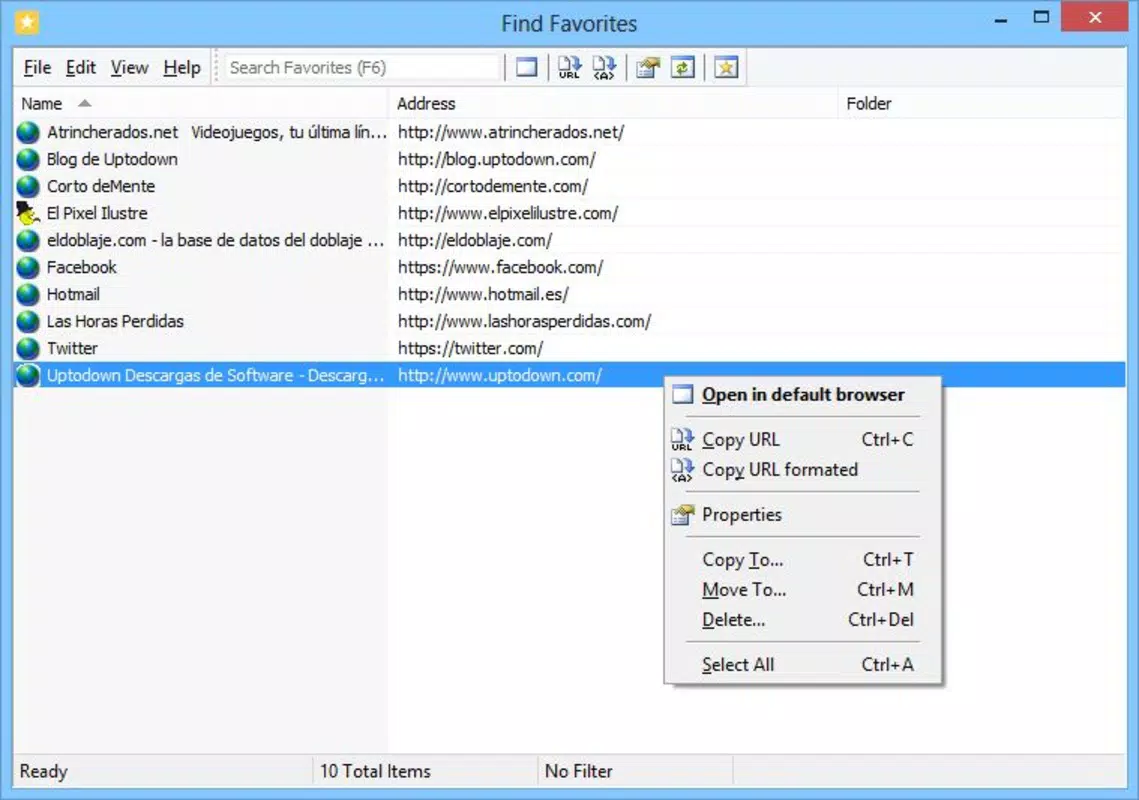
The user interface of Find Favorites is minimalistic and focused on functionality. The layout centers around a prominent search bar, with results displayed in a clean, scrollable list. Navigation is straightforward—users simply type to search, and results appear instantly. The design avoids visual clutter, prioritizing speed and clarity over decorative elements.
Interaction is intuitive, especially for users familiar with desktop applications. The inclusion of keyboard shortcuts like F6 enhances usability for power users. Although the developer did not list formal performance metrics, the app’s lightweight design suggests it runs efficiently on a range of systems without excessive memory or CPU usage.
Responsiveness is strong during search operations, with minimal lag even when handling large bookmark collections. Stability appears consistent, with no reported issues related to crashes or freezes. The app maintains a low footprint in the background, making it suitable for extended use. However, specific requirements for different device categories were not disclosed.
Platform Compatibility & Technical Requirements
Find Favorites is available for the Windows platform and requires a compatible version of the operating system. The application’s file size is not specified in the provided data, but its lightweight functionality suggests it is optimized for efficient operation. The developer did not specify minimum OS requirements or version compatibility details.
Given its release date of September 27, 2013, the app likely supports older Windows versions such as Windows 7 and 8. However, compatibility with newer systems like Windows 10 or 11 has not been confirmed. Users should verify system requirements before installation. The app does not appear to be available on mobile platforms such as Android or iOS, as no information on such availability was provided.
Pros and Cons
- Real-time search enhances speed and accuracy when locating bookmarks
- Custom highlighting improves visual recognition of results
- HTML export supports data backup and cross-browser compatibility
- System tray operation enables background accessibility
- Designed for efficiency with minimal resource usage
- Requires Internet Explorer favorites for full functionality
- No official mobile version available for Android or iOS
- Limited customization beyond color highlighting
- Outdated release date may raise concerns about modern OS support
- Interface lacks modern design elements or animations
FAQ
Is Find Favorites available for Android or iOS?
The developer did not provide information on mobile availability. The app is currently designed for Windows platforms.
Can I use Find Favorites without Internet Explorer?
While the app is primarily built for Internet Explorer favorites, it allows links to open in the user’s default browser. However, importing favorites into Internet Explorer may be required for full functionality.
How do I export my favorites from Find Favorites?
Users can export their bookmark list in HTML format through the app’s built-in export feature, which supports easy transfer or backup.
Does Find Favorites support keyboard shortcuts?
Yes, the app includes the F6 key as a shortcut to activate the search bar, improving efficiency for keyboard users.
Is the app safe to download and install?
Find Favorites is a legitimate tool with a long history. As with any third-party application, users should ensure they download from a trusted source to maintain security.
Final Thoughts
Find Favorites remains a reliable, no-nonsense solution for users overwhelmed by disorganized bookmarks. Its real-time search, customizable highlighting, and HTML export capabilities make it a valuable tool for anyone who frequently accesses specific websites. While its age and Windows-only availability may limit appeal to modern mobile users, it delivers consistent performance for its intended audience.
Those who rely on Internet Explorer or maintain large bookmark collections will benefit most from its streamlined interface and efficient workflow. The app’s focus on core functionality without unnecessary distractions sets it apart in a crowded market.
Download Find Favorites now


